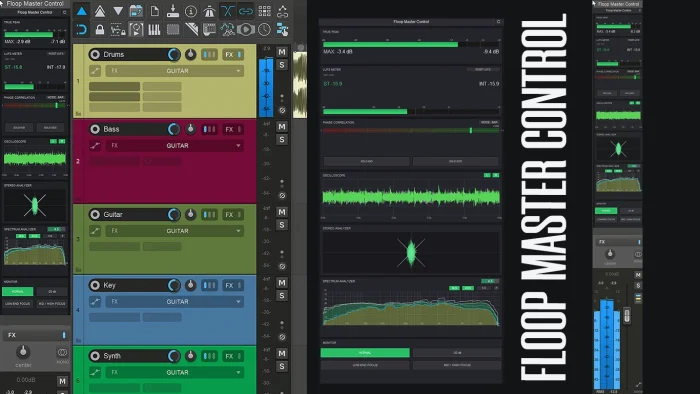
Floop Master Control (Modular) is a REAPER JSFX master monitoring plugin built around a slot-based architecture. It is a full rewrite of the original Floop Master Control.
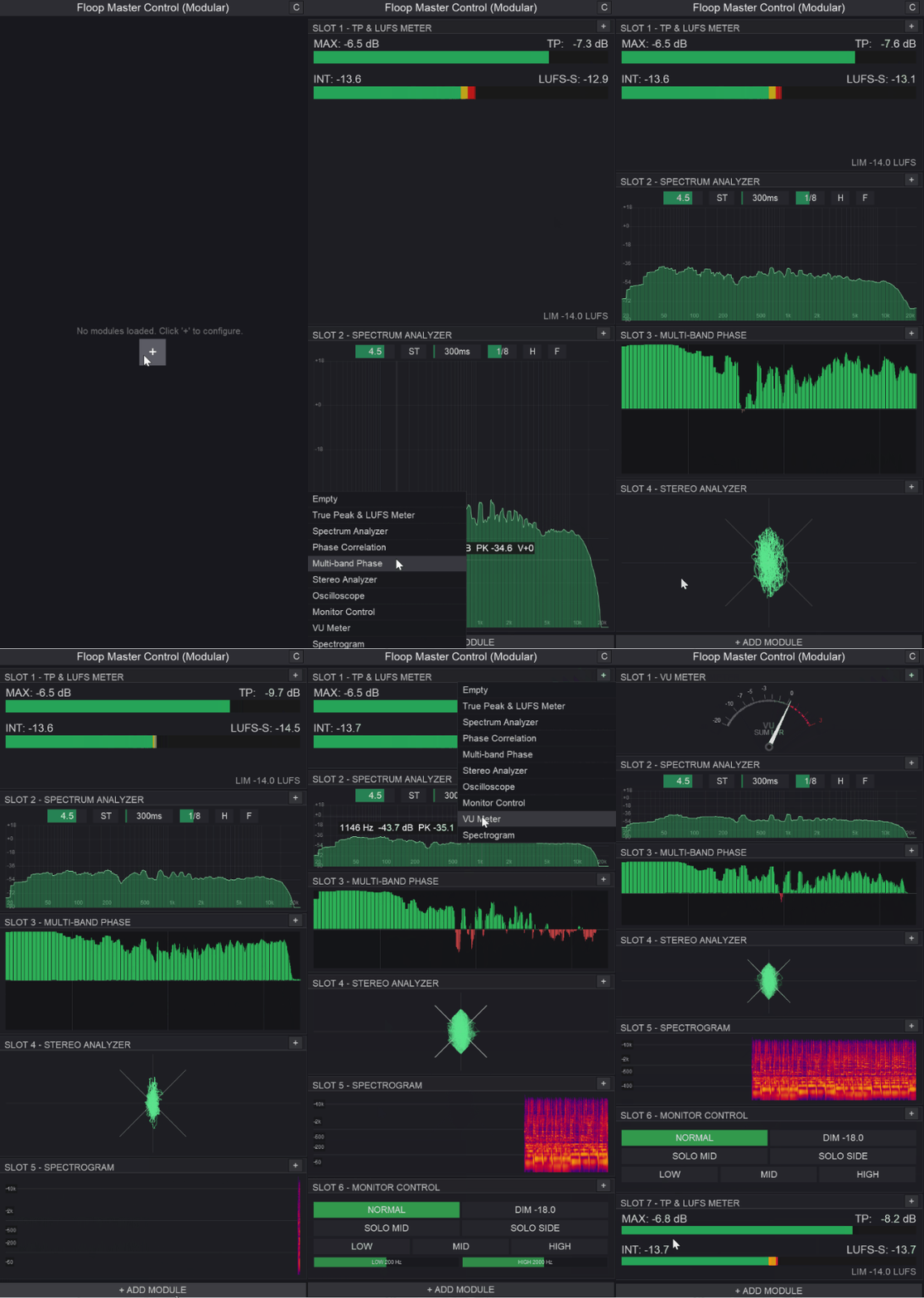
Up to 9 independent slots can run simultaneously inside a single FX instance, each hosting a different analysis or metering module: LUFS, spectrum, phase, oscilloscope, stereo analysis, and others.
Modules can be swapped per slot without modifying the FX chain.
The plugin embeds directly in the REAPER master track FX chain, making the monitoring panel accessible without opening a floating window.
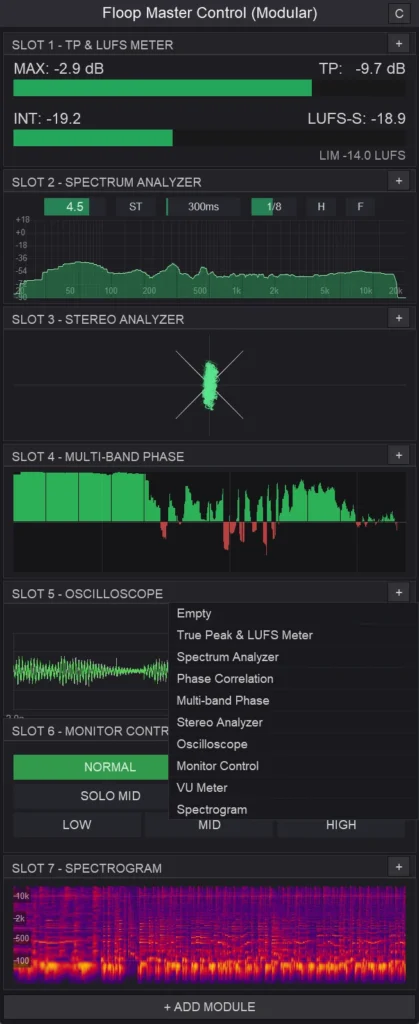
Key Features – REAPER Master Monitoring
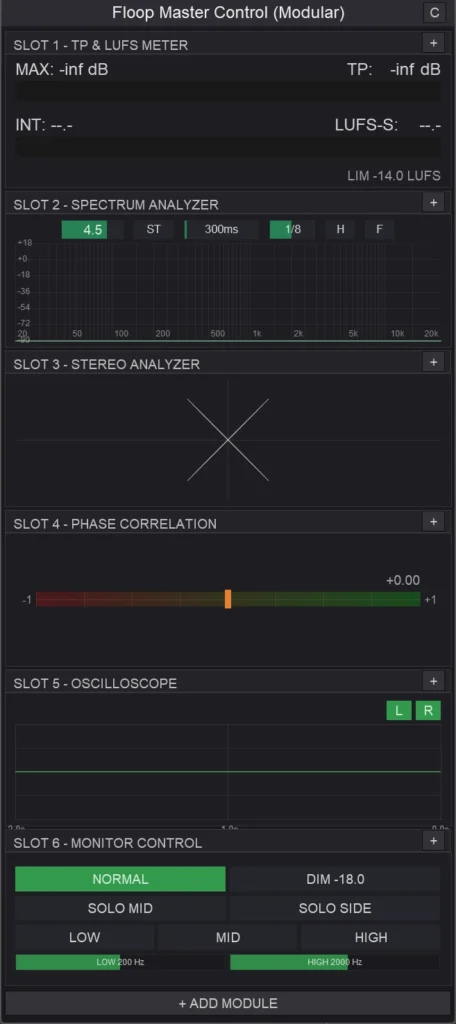
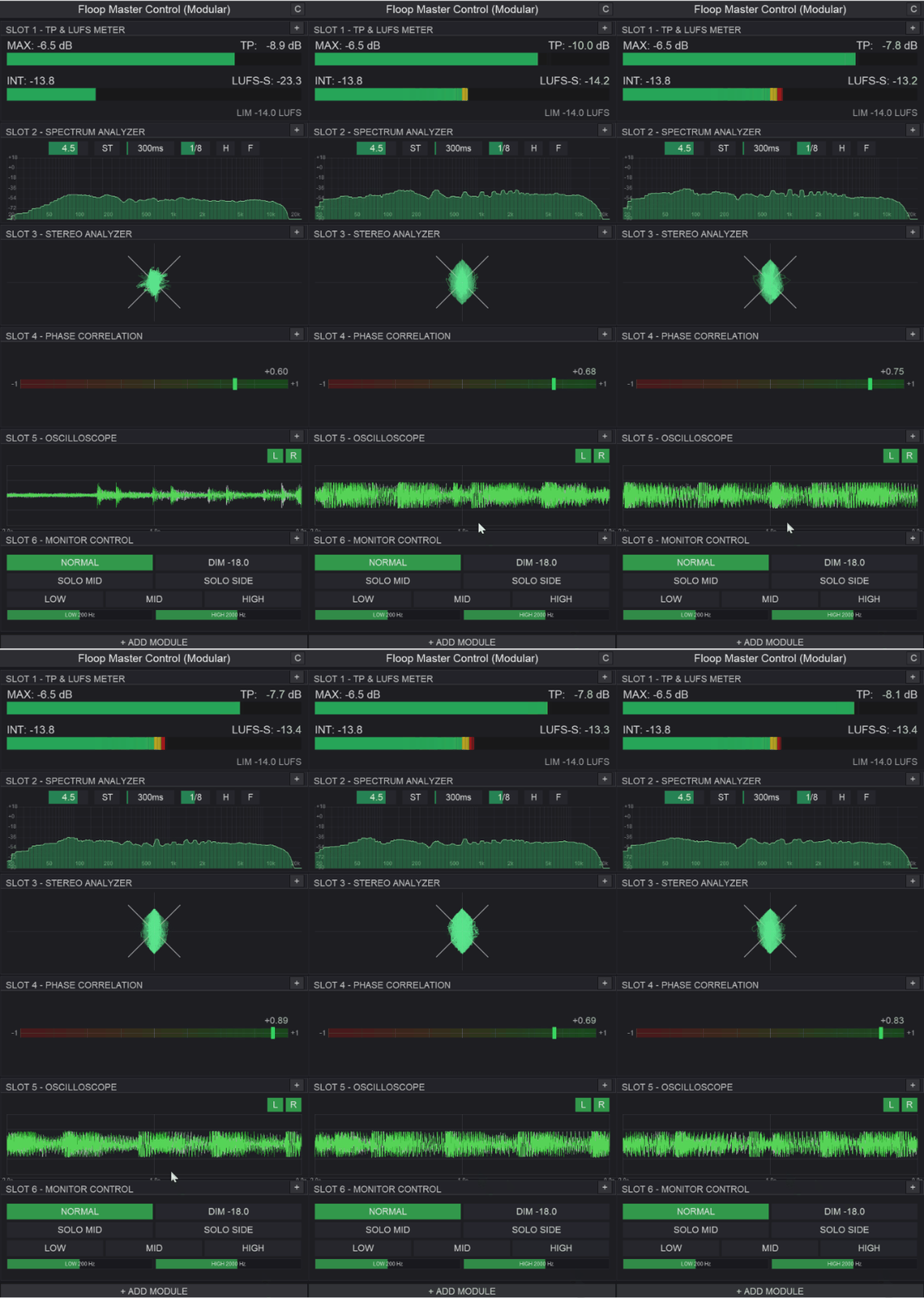
The default layout provides 6 active slots. The module picker assigns each slot independently. Available modules cover the main metering and monitoring needs in a typical mixing or mastering session:
- True Peak & LUFS Meter – integrated loudness (LUFS-I), short-term loudness (LUFS-S), and true peak with manual reset
- Spectrum Analyzer – stereo and mid/side display modes, temporal averaging, smoothing from 1/3 to 1/24 octave, hold and freeze
- Spectrogram – scrolling frequency/time display, adjustable speed, image history preserved on resize
- Oscilloscope – per-channel toggle, zoomable time scale
- Stereo Analyzer – goniometer display
- Phase Correlation – single correlation value display
- Multi-band Phase – log-frequency display with octave smoothing
- VU Meter – adjustable rise time and overshoot via mouse interaction
- Monitor Control – dim, mid/solo side, and three-band focus with configurable crossover frequencies
Each module covers a distinct measurement domain with no functional overlap between slots.
Technical Implementation
Floop Master Control (Modular) is written entirely in JSFX (EEL2). All signal processing runs inside REAPER’s native plugin engine without external dependencies.
The slot system pre-initializes all modules at load time. Switching between modules in a slot does not trigger dynamic loading, the plugin already allocates the module state. This avoids any latency or re-initialization cost during slot changes.
FFT-based modules, the Spectrum Analyzer, Spectrogram, Multi-band Phase, and Stereo Analyzer, operate on the audio buffer directly. CPU cost scales with the number of active slots and the FFT window size each module uses.
Simpler meters (VU, Phase Correlation, LUFS) have a significantly lower processing overhead.
The plugin exposes all configurable parameters as native REAPER sliders. This means full MIDI Learn support and standard automation via track envelopes without any custom mapping layer.
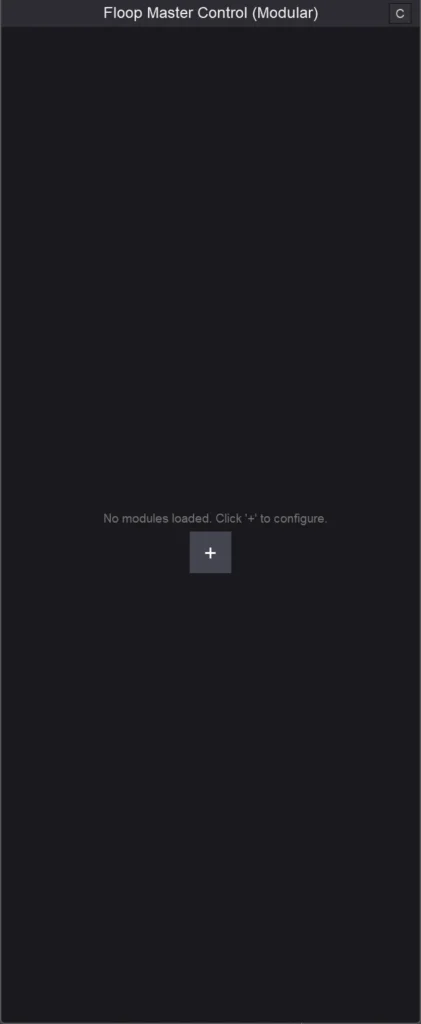
The Config toggle (C button) switches the display between the visual module panel and the native parameter list.
The Monitor Control module applies gain and routing transformations to the monitoring path: dim attenuation, mid/side isolation, and three-band focus filtering using two user-defined crossover frequencies. These operations are non-destructive and affect only the monitoring signal.
Compatibility
Floop Master Control (Modular) requires REAPER v7.5x or later. It runs on Windows, macOS, and Linux without OS-specific limitations.
The plugin is also compatible with other DAWs via YSFX, the open-source VST/AU wrapper for JSFX. In that context, the full feature set remains available, though the native REAPER parameter integration (MIDI Learn, envelopes) depends on the host DAW’s automation system.
The original Floop Master Control remains available as a separate plugin and will receive occasional maintenance. The two plugins coexist in the same project without conflicts because REAPER registers them as distinct FX.
Requirements
- REAPER 7.5 or later
- JSFX engine (built-in)
- ReaPack (recommended for installation)
How to Install
Open REAPER
Go to Extensions → ReaPack → Import Repositories…
Open Extensions → ReaPack → Browse Packages
Search for “Floop Master Control”
Install and Apply
Advanced users can manually install the plugin from the GitHub Release page.
FAQ (REAPER Master Monitoring)
Q: Is this a replacement for the original Floop Master Control?
A: It is the actively developed version. The original plugin remains available and stays in existing projects, but new features go only to the modular version.
Q: Does switching modules in a slot affect the audio signal?
A: No. Slot switching is a UI operation only. It changes which module is displayed, not which modules are processing audio. All pre-initialized modules process audio continuously while active in a slot.
Q: How many slots can run simultaneously?
A: Up to 9. The default layout opens with 6. You can add slots incrementally up to the maximum.
Q: Can parameters be automated in REAPER?
A: Yes. The plugin exposes all parameters as native REAPER sliders.
The project is hosted on GitHub, where the source code and manual installation files are maintained.