
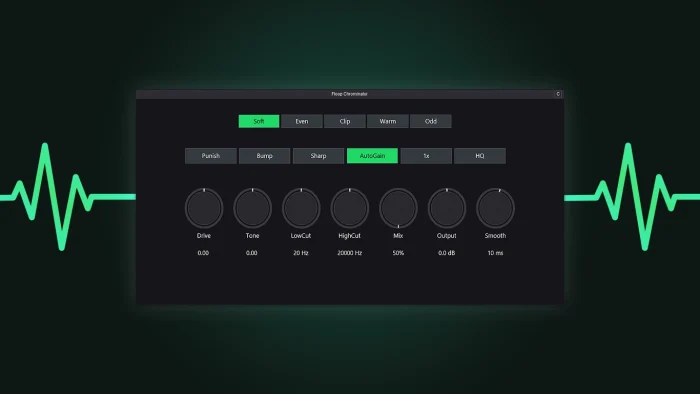
Floop Chrominator is a free analog-style saturation JSFX plugin for REAPER that adds warmth, harmonic color, and drive to your tracks. Load it directly in REAPER or in other DAWs via YSFX. With five custom saturation modes, oversampling, tilt EQ, filters, auto-gain, and a DPI-aware UI, it’s perfect for mixing, parallel saturation, or creative sound design.
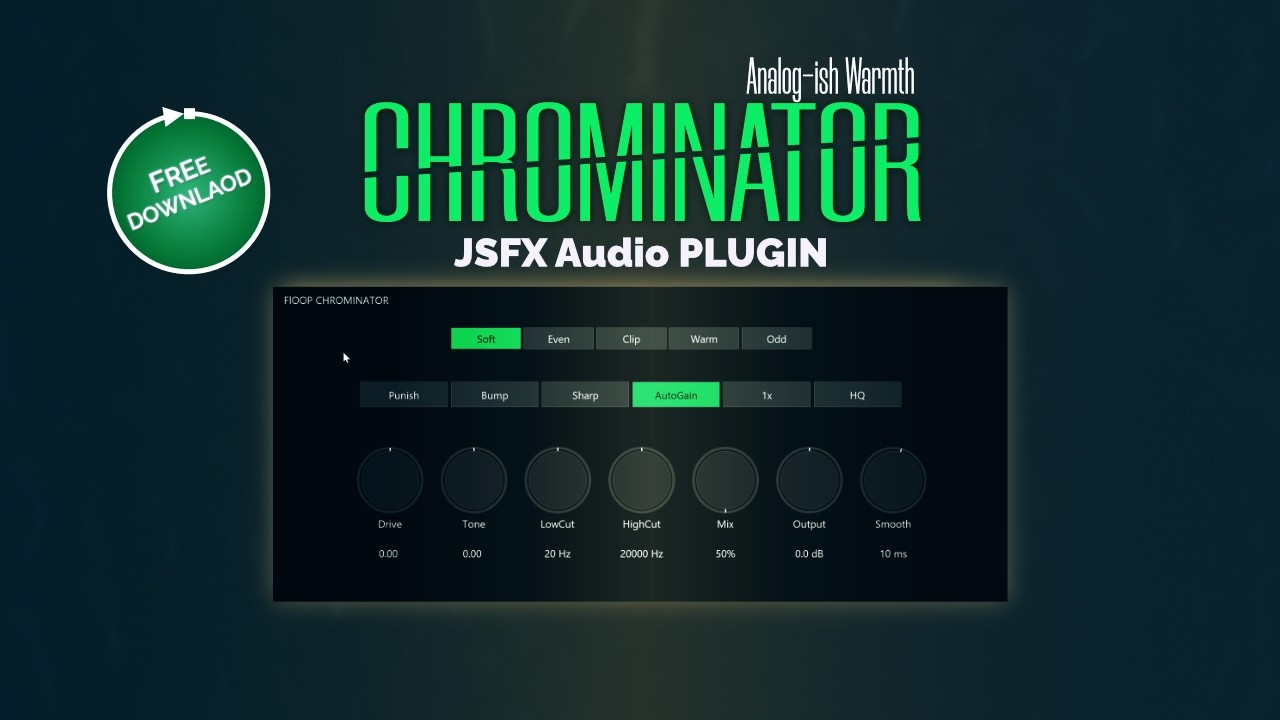
If you have questions, issues, or suggestions, YouTube comments are currently the easiest way for me to collect feedback and improve the script over time.
Key Features of this REAPER Saturation Plugin
- Five Saturation Modes: Soft, Even, Clip, Warm, Odd
- Core Controls: Drive, Tone (Tilt EQ), Mix, Output
- Filters: Low Cut & High Cut (Gentle/Sharp slopes)
- Oversampling: 1x / 2x / 4x (HQ FIR available)
- Auto-Gain: Loudness-matched A/B
- Smooth Parameter Transitions: Click-free operation
- DPI-Aware UI: Clean, scalable interface
Compatibility of Floop Chrominator
- REAPER v7.0+
- Native JSFX support (included in REAPER)
- Windows 10 / 11 tested
Installation via ReaPack (Recommended)
- Open REAPER → Extensions → ReaPack → Import Repositories
- Add the Floop repository
- Browse Packages, search Floop Chrominator, right-click → Install → Apply
- Restart REAPER or press F5 on the FX browser→ Load the FX on a track
Advanced users can manually install the plugin from the GitHub Release page.
Usage
- Add Floop Chrominator to a track or bus
- Select a Saturation Mode:
- Soft: gentle knee, smooth response
- Even: even-harmonic rounding
- Clip: controlled hard clip
- Warm: warm quadratic response
- Odd: emphasizes odd harmonics with subtle low-end conditioning
- Adjust Core Controls: Drive, Tone, Mix, Output
- Fine-tune Oversampling, Punish, Bump for creative shaping
Perfect For
- Adding analog-style warmth
- Gentle vocal coloration
- Harmonic excitement on drums
- Dirty parallel saturation
- Mix bus tone shaping
- Creative sound design
Floop Chrominator – Frequently Asked Questions (FAQ)
Can I use this REAPER Saturation Plugin in other DAWs?
A: Yes, via the YSFX format, the plugin is compatible outside REAPER.
Does it affect the CPU heavily?
Only HQ Oversampling (4x FIR) is CPU-intensive; standard oversampling is light enough for real-time use.
How do I prevent clicks when changing modes?
Chrominator uses smooth parameter transitions; if clicks appear, reduce extreme drive or oversampling settings.
Does Auto-Gain work on silent tracks?
No, it needs a signal to measure RMS for loudness matching.
Is the plugin fully free?
Yes, Floop Chrominator is completely free.
The project is hosted on GitHub, where the source code and manual installation files are maintained.


